
Reports · Dashboards · Power BI
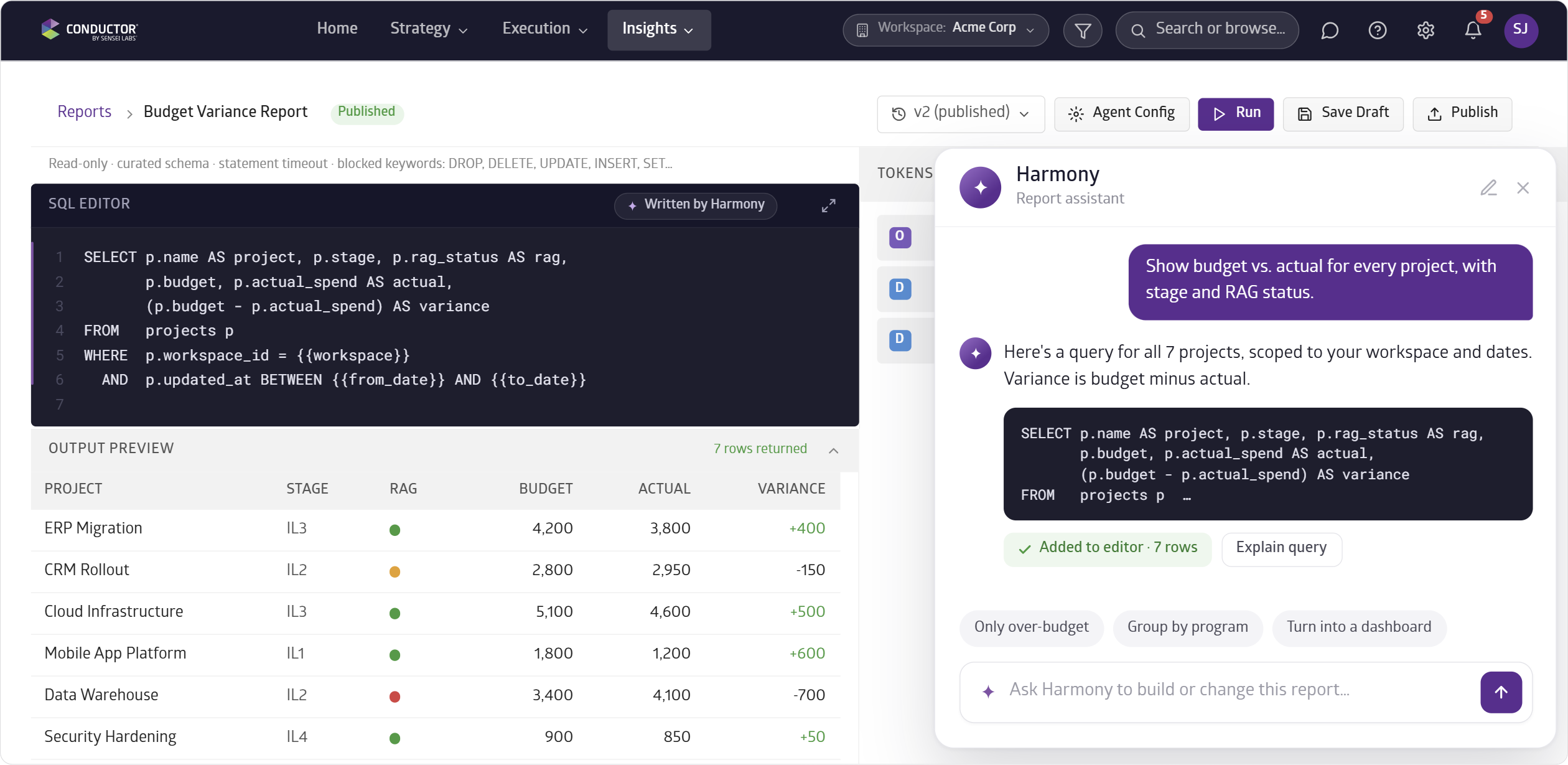
The Reports module lets you build reports directly inside Conductor using SQL or by chatting with Harmony AI.
When you chat with Harmony AI, you can describe your query and Harmony will write the SQL for you. You can then save, share, and use those reports to build your own dashboards.
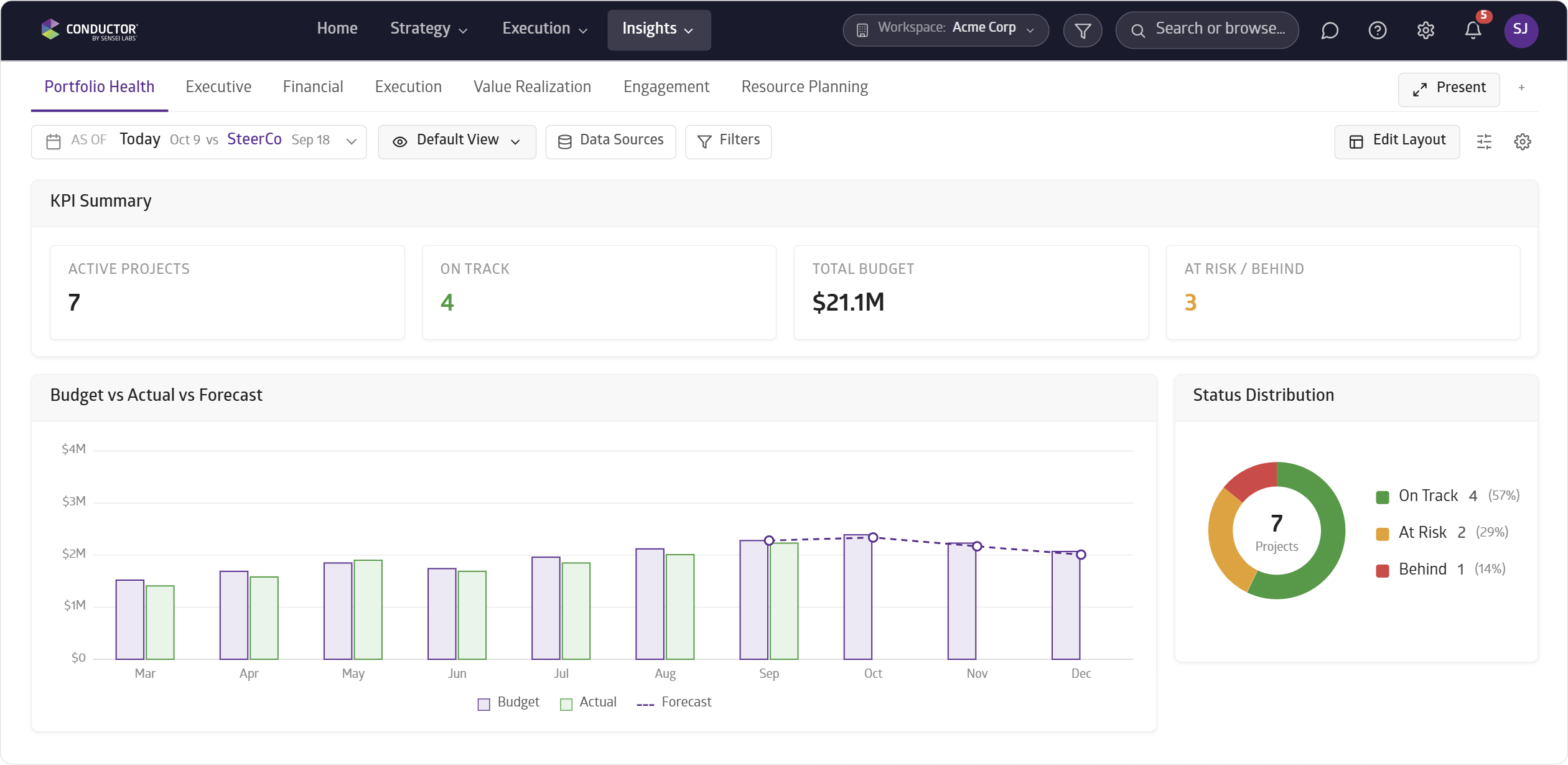
The Dashboards module gives you the power to build your own views and dashboard layouts to run your meetings or share insights.
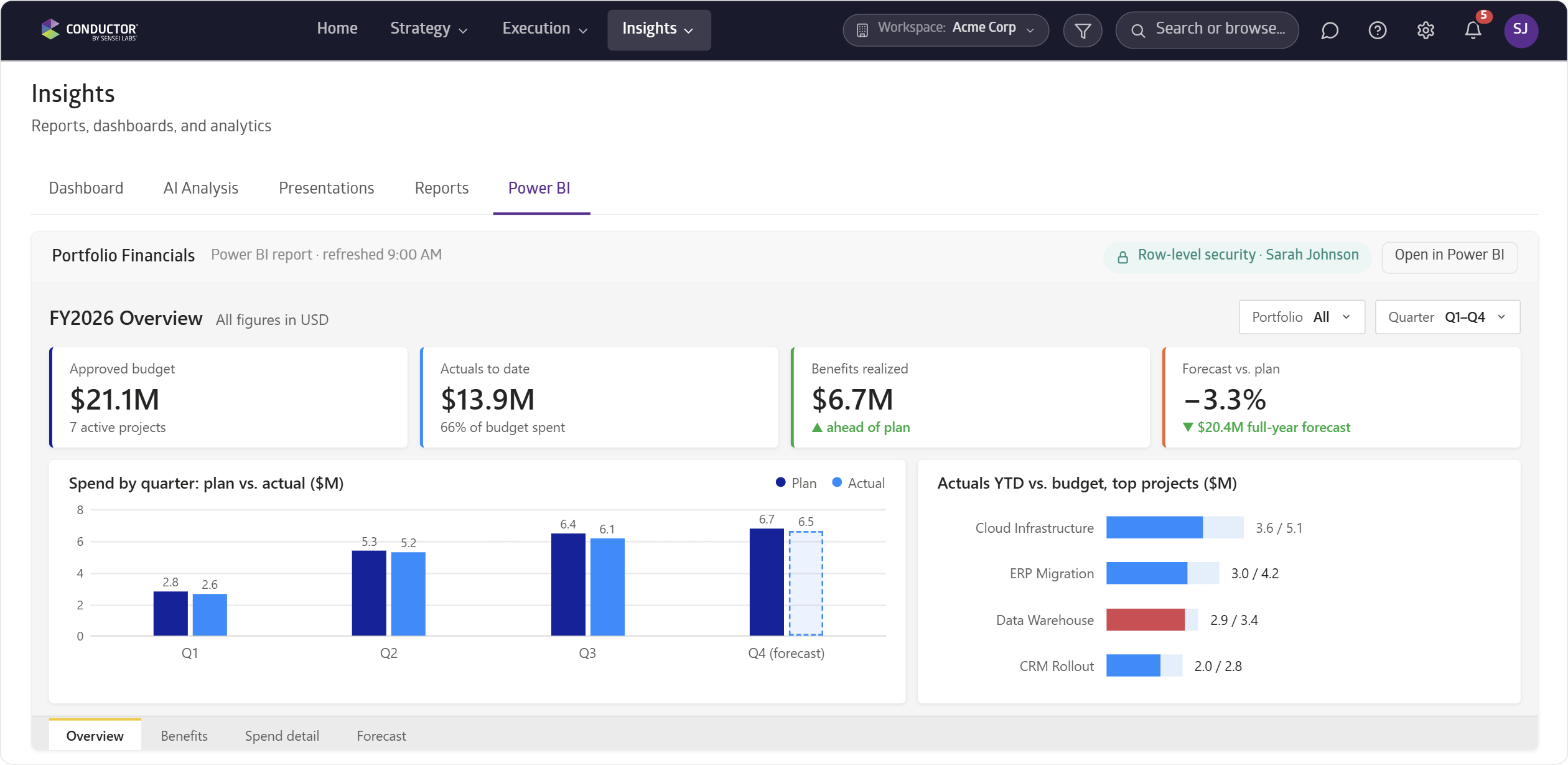
Power BI dashboards can now live inside Conductor with row-level security respected. You can keep the Power BI dashboards you've already invested in while staying in Conductor.
- Configurable Columns: choose which columns appear on any list view.
- Filtering: filter portfolios, projects, tasks, and records down to exactly what you need.
- Bulk Import: bring your data into Conductor using a bulk upload from an .xlsx or .csv file.
- Project & Task Inline Editing: edit projects and tasks inline without opening each record.
- File Storage: upload and save files in Conductor.


-1200x1200.webp&w=1920&q=75)